
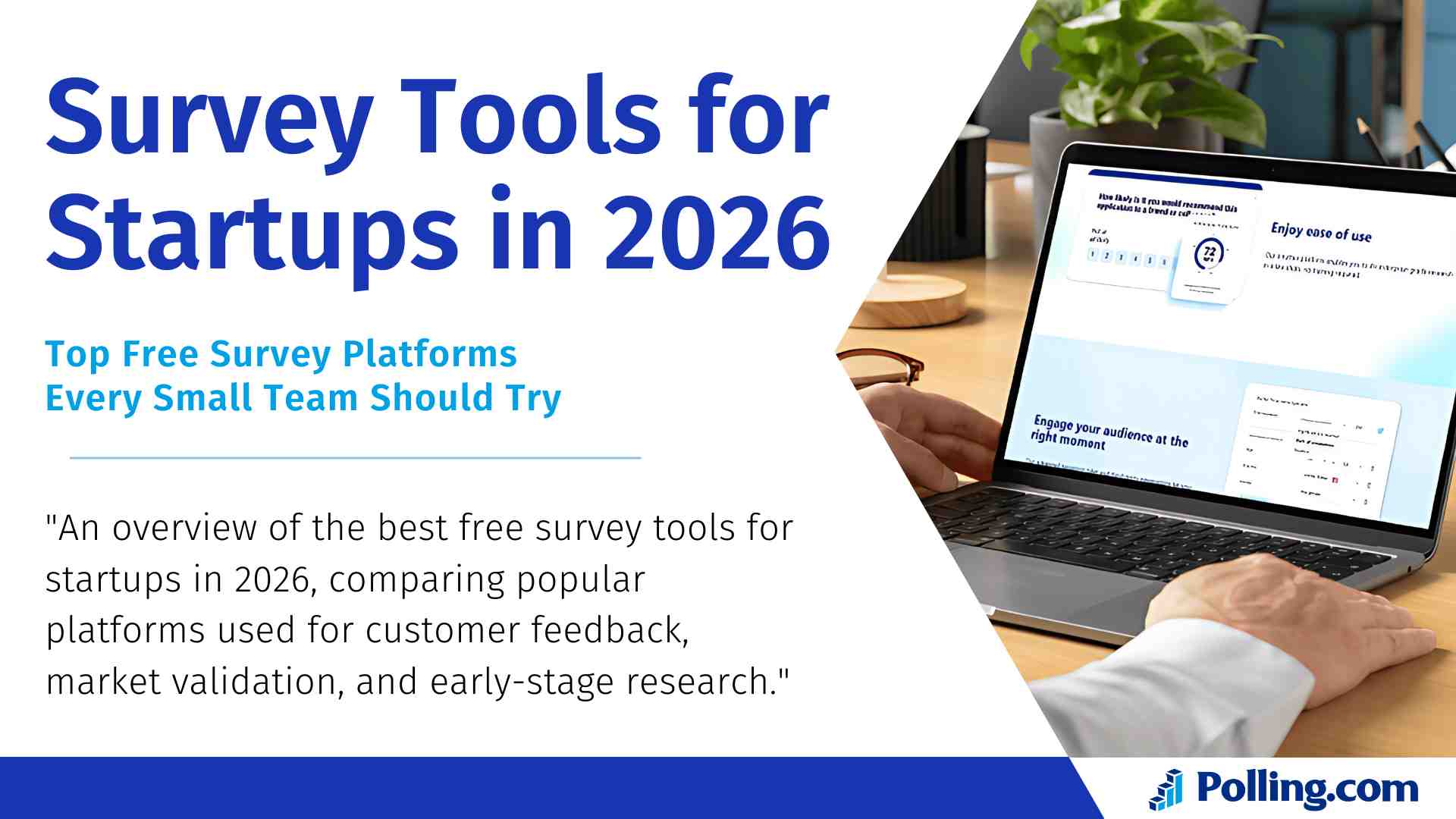
Survey Tools for Startups in 2026: The Best Free Options

Updated for 2026: This article has been fully refreshed to reflect today’s free-plan limits, startup-friendly features, and the Survey Tools for Startups that matter most right now.
In 2026, survey tools for startups are more essential than ever. With lean teams, tight budgets, and fast product cycles, the right survey platform helps you validate ideas, improve onboarding, and collect customer feedback without slowing momentum.
The best part is you don’t need an expensive research stack to start. Several free survey tools now include automation, templates, and basic analytics—enough for MVP validation, market research, and early customer discovery.
What’s New in 2026 for Survey Tools for Startups
In 2026, most startups care less about “can I make a survey?” and more about how fast feedback becomes action. Here are the biggest changes to consider when choosing a free tool today:
- Free plans are tighter on responses for some platforms, so limits matter more than brand names. (For example, Typeform’s free plan is capped at 10 total responses per month.)
- AI-assisted creation is becoming standard, but it’s often limited on free tiers—useful for drafting questions, not full research automation.
- Workflow integrations are now a must-have (Slack/CRM/Sheets), because startups need feedback routed instantly to the right person or pipeline.
- Trust and privacy expectations are higher, so startups should use clear consent language, avoid collecting unnecessary personal data, and store results securely.
What to Look for in Survey Tools for Startups

Before choosing a tool, it’s important to know what features matter most to young companies. Generally, the best surveying tool should align with a startup’s current stage, growth goals, and team structure.
Cost and Scalability Considerations
Startups typically begin with modest budgets. Therefore, the ideal tool must offer strong capabilities at zero cost and also scale seamlessly as the business grows. For instance, tools like Google Forms may suffice in the early days, but as the need for analytics and integrations increases, a more robust platform like Polling.com becomes essential.
In addition, some tools limit the number of responses or team members. Consequently, startups should consider how quickly they expect to grow and choose a tool that can grow with them.
Ease of Use and Integration with Existing Tools
Time is a scarce resource for any startup. Thus, the best survey tool must be intuitive and quick to set up. Moreover, integrations with existing workflows such as Slack, Notion, or CRM platforms are vital. Ideally, online survey tools should support automation and real-time notifications.
Otherwise, teams may waste valuable hours managing feedback manually instead of acting on insights.
Analytics and Reporting Features
Collecting responses is just the beginning. To be useful, your tool must translate data into actionable insights. For this reason, startups should seek customer feedback tools that include data visualization, filtering, and sentiment analysis even at the free level.
Additionally, tracking historical trends with NPS survey tools can help gauge product health over time and inform strategic pivots.
Branding and Customization Options
On the surface, surveys might seem purely functional. However, consistent branding builds trust. That’s why even free plans should offer custom logos, color schemes, and branded URLs when possible.
This is especially important when using employee survey tools, text survey tools, or anything customer-facing that reflects your brand image.
Polling.com — The Top Choice Among Survey Tools for Startups
Among top survey platforms for startups, Polling.com stands out for its features and ease of use. Thanks to its user-friendly interface and feature-rich free plan, it’s rapidly becoming a go-to choice for early-stage companies.
Why Polling.com Stands Out for Small Teams
Designed with modern startups in mind, Polling.com prioritizes fast setup and user-friendly design over the complexity of older research tools. Notably, it requires no technical knowledge to launch powerful surveys. As a result, it allows founders, product managers, and marketers to gather feedback without hiring data analysts.
Moreover, Polling.com streamlines the entire process from survey creation to actionable insights making it an ideal fit for lean startup teams.
Key Features Tailored for Startup Needs
Polling.com includes a suite of features that are tailored specifically for startups:
- AI-powered survey questions tailored to specific industries
- Pre-built templates for product feedback tools and NPS tools
- Integrations with Slack, HubSpot, Airtable, and more
- Real-time dashboards with filterable insights
- Support for multilingual and text survey tool formats
In comparison to other feedback tools, Polling.com automates much of the heavy lifting, allowing startups to focus on decision-making rather than setup.
Free Plan Overview and What’s Included
Here’s what you get with Polling.com’s free plan:
- Unlimited responses per month
- Unlimited surveys
- 1 users per team
- Basic branding customization
- Access to 20+ professional templates
- Limited AI-powered analysis tools
In contrast, many other best survey tools severely limit question count or response volume at the free tier.
Use Case: Early-stage SaaS Company Using Polling.com
Consider this: A SaaS startup targeting remote teams wanted to validate a new feature. Using Polling.com, they launched a product-market fit survey to their early adopters. Within a week, they gathered 400 responses. Consequently, they uncovered an unexpected use case, adjusted their roadmap, and improved their onboarding all before their next funding round.
Clearly, for startups that want fast, validated insights, Polling.com delivers.
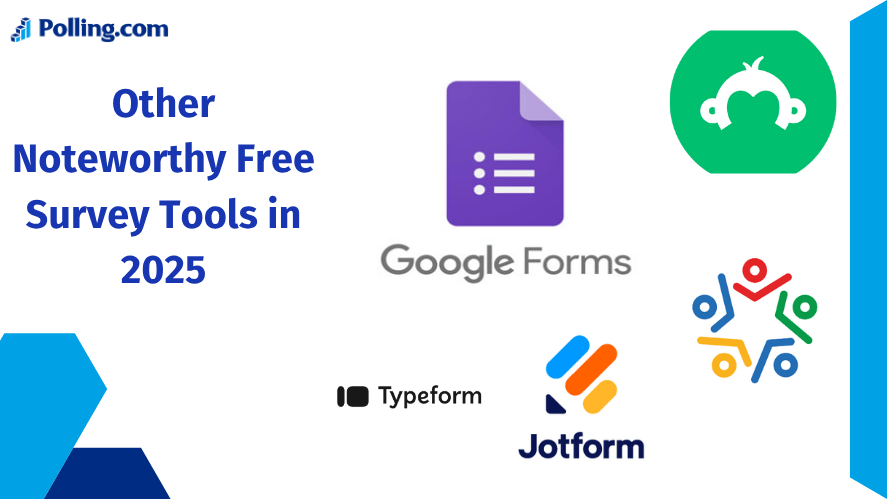
Other Noteworthy Free Survey Tools in 2026
Even though Polling.com is a top contender for startup teams, several other platforms offer solid free options depending on your workflow, branding needs, and response volume.
Google Forms
Pros
- Free for anyone with a Google account
- Great for quick startup feedback loops
- Responses flow easily into Google Sheets for analysis
Cons
- Limited branding and survey “experience” compared to dedicated tools
- Basic analytics unless you build reporting in Sheets
Best for: MVP feedback, internal team surveys, simple research.
SurveyMonkey (Basic / Free Plan)
What startups get
- Create unlimited surveys, with up to 10 questions per survey
- Helpful templates and basic reporting
What to watch
- Responses are limited on the free plan (you may need to upgrade to view beyond the limit)
Best for: Quick validation surveys where you don’t need high response volume.
Typeform Free Plan
Why Startups Love It:
- Visually engaging forms
- Mobile-first UX
- Conditional logic support
Downside: Limited to 10 responses per month and 1 conditional logic rule. Best suited for targeted, low-volume feedback or UX testing.
Jotform
Automation and Flexibility:
- Easy drag-and-drop interface
- Workflow integrations
- Embedded payment and e-signature options
- Free plan includes 5 forms, 100 monthly submissions
In addition, it supports conditional logic, making it useful for surveys that need dynamic paths.
Zoho Survey
Part of a Powerful Ecosystem:
- Works seamlessly with Zoho CRM and Desk
- Offers robust analytics
- Free plan includes 15 questions and 150 responses
Consequently, it’s perfect for teams already using Zoho for other business operations.
Free Survey Tools Compared: Features, Limits, and Best Use Cases (2026)
Choosing the right survey tools for startups depends on your startup’s specific needs whether it’s unlimited responses, advanced logic, or CRM integration. Free plans vary significantly across platforms, with some offering generous limits and others focusing on visual design or automation. Below is a quick comparison of the most popular free survey tools to help you decide which one fits your use case best.
| Tool | Free Plan Limitations | Best For |
|---|---|---|
| Polling.com | Unlimited surveys + unlimited responses (free tier highlights) | Startup feedback loops + scaling validation |
| Google Forms | Free with Google account; strong Sheets workflow | MVP testing, internal surveys |
| SurveyMonkey | 10 questions, 40 responses | Basic market research trials |
| Typeform | 10 responses/month, 1 logic rule | UX feedback, design-driven forms |
| Jotform | 5 forms, 100 submissions/month | Automations, conditional workflows |
| Zoho Survey | 10 questions; 100 responses per survey | Zoho CRM users, data-rich surveys |
How to Choose the Right Survey Tool for Your Startup
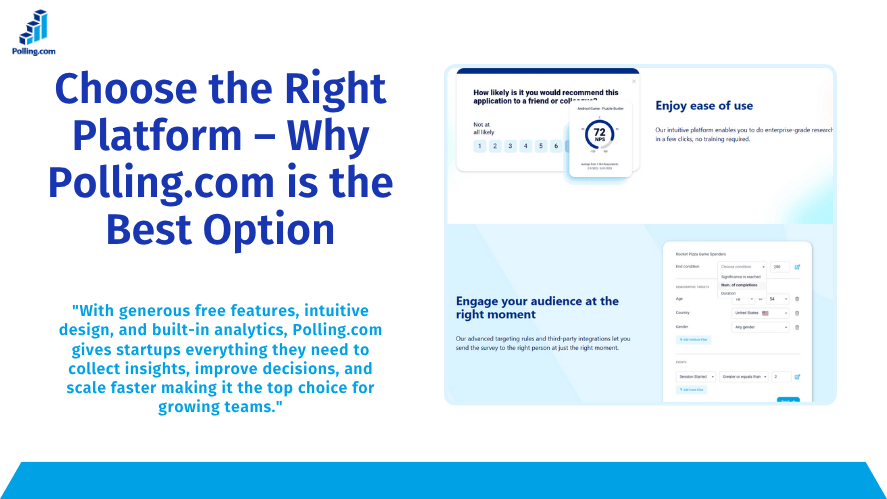
At this point, you may wonder how to narrow down the options. Fortunately, a clear evaluation framework makes the decision easier.
Decision Matrix Based on Team Size, Budget, and Use Case
| Tool | Best For | Team Size | Free Tier Strength |
|---|---|---|---|
| Polling.com | Growth-oriented feedback cycles | 2–50 | Excellent |
| Google Forms | Quick internal use | 1–10 | Unlimited, simple |
| Typeform | Beautiful UX-focused surveys | 1–5 | Limited but elegant |
| SurveyMonkey | Market testing & validation | 1–10 | Moderate limits |
| Zoho Survey | Integrated CRM feedback | 5–30 | Great for Zoho users |
Comparing Features Across Platforms
| Feature | Polling.com | Typeform | Google Forms | Zoho Survey | Jotform |
|---|---|---|---|---|---|
| Analytics | ✔✔✔ | ✔✔ | ✔ | ✔✔ | ✔✔ |
| UX Design | ✔✔ | ✔✔✔ | ✔ | ✔ | ✔✔ |
| Branding | ✔✔ | ✔✔ | ✖ | ✔ | ✔✔ |
| Integrations | ✔✔✔ | ✔✔ | ✔ | ✔✔ | ✔✔✔ |
When to Upgrade to a Paid Plan
Eventually, free plans reach their limits. At that point, consider upgrading if:
- You need more than 500 responses/month
- You require custom domain URLs and advanced branding
- Your team has grown beyond 5–10 members
- You need automation or API access for scaling
In the long run, a small monthly investment in a premium customer feedback management tool can unlock powerful business value.
Maximizing Value from Free Survey Tools
Once you’ve picked a platform, the next step is making the most of its features. After all, having a tool is only helpful if you’re asking the right questions and analyzing the results.
Tips for Crafting Effective Surveys
- Start with a clear objective
- Mix open and closed survey questions
- Keep it short ideally under 7 questions
- Personalize the intro and closing statements
- Use logic jumps to avoid unnecessary questions
Best Practices for Gathering Actionable Insights
- Schedule surveys to follow key user actions, like onboarding, churn events, or product feature engagement.
- Segment responses by user role or behavior
- Compare cohorts over time to see trends
- Use follow-ups for clarification when needed
Common Mistakes Startups Should Avoid
- Asking vague or biased questions
- Ignoring data from surveying tools due to lack of time
- Failing to share insights with the full team
- Relying solely on NPS tools without qualitative input
Keep in mind data is only powerful when it drives meaningful decisions.
Conclusion: Start Small, Learn Fast
In conclusion, the right Survey Tools for Startups can empower lean teams to move quickly, validate ideas, and stay connected to their users. Thankfully, there are now dozens of high-quality free survey tools to choose from.
To recap:
- Polling.com free plan delivers a wide range of valuable features at no cost.
- Google Forms is ideal for internal or MVP use
- Typeform excels in user experience
- Zoho Survey is perfect for teams in the Zoho ecosystem
Ultimately, great tools don’t guarantee success listening to users does. So, start small, iterate often, and scale as needed.
Try Polling.com today and give your startup a smarter way to gather insights.