
Top Enterprise Survey Platform Features

An enterprise survey platform gives organizations a structured way to collect, manage, and act on feedback at scale. These tools are built for high-volume use, cross-functional collaboration, and data-driven decision-making. They go beyond basic survey apps with deeper analytics, automation, and integrations into the systems teams already rely on.
In this guide, we’ll break down what makes enterprise platforms different, explore key features, highlight real use cases, and help you evaluate the right solution for your organization.
What Is an Enterprise Survey Platform?
An enterprise survey platform is a centralized system that helps large organizations run surveys across teams, locations, and audiences. Unlike lightweight tools built for small teams, these platforms are designed to support scale, compliance, and integrated workflows.
Built for Scale
Basic survey tools often work well for one-off feedback. But they struggle with large-scale deployment, custom access controls, and advanced reporting.
Enterprise platforms support:
- High response volumes
- Centralized control over branding and templates
- Role-based access and multi-team use
They’re used across HR, customer experience, product, and operations teams—helping each group gather the data they need without creating duplicate efforts.
Who Uses Them
- HR teams tracking engagement, retention, and onboarding
- Customer experience leaders collecting feedback across channels
- Product teams validating ideas and testing features
- Executives using survey data to support strategy and planning
These platforms bring structure to feedback programs, allowing businesses to respond faster and make more informed decisions.
Key Features of an Enterprise Survey Platform
Let’s look at the core features that define a high-performing enterprise survey platform.
Scalability and Reliability
At the enterprise level, surveys often go to thousands (or more) of respondents. Platforms need to stay fast and stable under heavy usage.
Look for:
- High uptime and reliability commitments
- Strong performance under large volumes
- Support for multi-language and multi-region deployments
Whether you’re surveying employees across multiple countries or running ongoing customer satisfaction programs, the system should handle it smoothly.
Analytics and Reporting
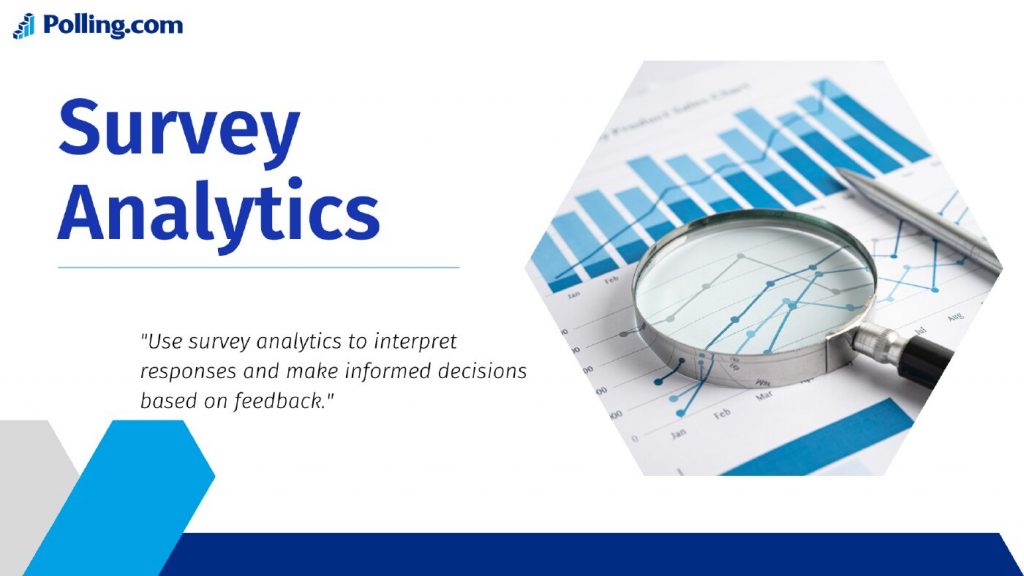
Raw data has limited value without context. A strong platform offers flexible, real-time analytics for different stakeholders.
Typical capabilities include:
- Custom dashboards by role or department
- Real-time filtering and segmentation
- Export options to business intelligence tools
Some platforms also offer AI-driven text analysis to highlight themes and sentiment in open-ended responses, which can speed up insight discovery.
Security and Compliance
Data privacy is non-negotiable. Enterprise platforms should meet strict security requirements, especially when handling employee or customer information.
Standard features often include:
- End-to-end encryption
- GDPR and CCPA support
- SSO and IAM integration
- Role-based permissions and audit trails
These measures help protect sensitive data and reduce legal risk.
Integrations and Automation
Survey data is most valuable when it connects with the tools your teams already use. Look for native integrations or APIs to automate workflows and sync results.
Common integrations:
- CRMs like Salesforce and HubSpot
- HR tools like Workday and BambooHR
- Support platforms like Zendesk
You can also build workflows where certain responses trigger follow-ups, alerts, or changes in other systems. For example, a low NPS response can automatically create a support ticket, or a negative onboarding survey can alert HR to follow up within 24 hours.
This type of automation reduces manual work and speeds up response time across departments.
Collaboration and Governance
Large teams need systems that promote consistency without slowing progress.
Key features:
- Shared survey templates
- Review and approval workflows
- Role-based access control
- Version history and change tracking
These tools help surveys stay aligned with brand and compliance standards, even across teams or regions.
Enterprise Survey Platform Use Cases
Enterprise platforms are flexible. Here’s how they’re applied in real-world scenarios across departments.
Employee Engagement and Feedback

HR teams use survey platforms to monitor workplace culture, track sentiment, and address retention risks. Typical uses include:
- Pulse surveys
- Annual engagement surveys
- Onboarding and exit feedback
With detailed filtering, teams can identify trends by role, manager, or location. That makes it easier to act on issues early and measure whether changes are working.
Customer Experience and NPS
Customer teams use surveys to gather feedback after interactions or at key points in the customer journey.
Use cases:
- Net Promoter Score (NPS)
- Post-purchase feedback
- Customer service evaluations
Survey data can reveal patterns by region, product, or channel. When combined with integrations, teams can respond faster when feedback signals a problem.
Market Research and Product Feedback
Product teams use enterprise survey tools to prioritize features and understand market demand.
Examples:
- Pre-launch testing
- Product satisfaction surveys
- Competitive analysis
Structured survey programs help shape product roadmaps with direct customer input—especially when you can segment results by persona, plan type, or region.
How to Choose the Right Enterprise Survey Platform
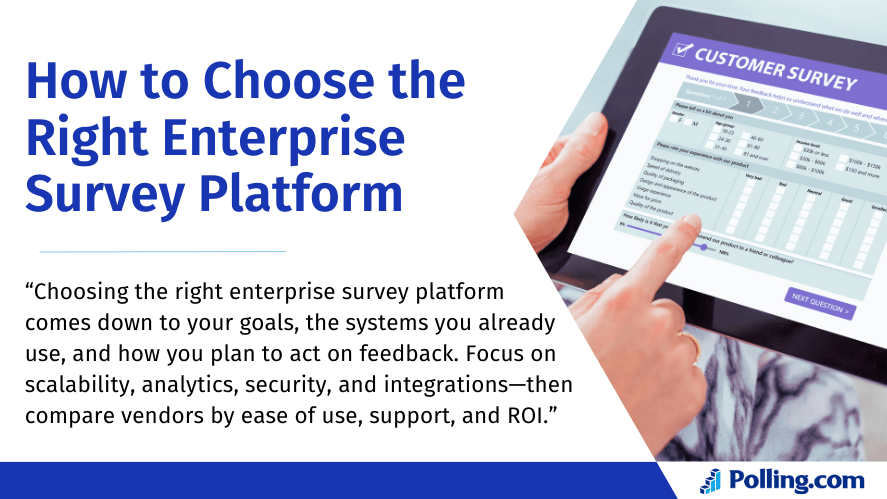
Choosing the right solution depends on your goals, team structure, and required capabilities. Here’s how to evaluate options.
Define Your Objectives
Start by clarifying:
- Who will use the platform?
- What outcomes are you measuring?
- How will you act on the data?
This helps align your selection with business needs and prevents paying for features you won’t actually use.
Assess Capabilities
Evaluate features based on the complexity of your surveys and workflows:
- Do you need role-based dashboards?
- Will you integrate with CRMs or HR tools?
- Are there automation requirements (alerts, routing, follow-ups)?
Also assess how well the platform can scale as your survey programs grow.
Understand Pricing and ROI
Enterprise pricing models vary. Some are based on the number of users, while others depend on survey volume or feature access.
While free tools exist, they often limit functionality, governance, and integrations. Consider the long-term ROI of automation, better data accuracy, and faster decision-making especially when multiple teams rely on the platform.
Ask vendors about total cost of ownership, not just annual fees.
Evaluate Support and SLAs
Support is critical for enterprise buyers. Look for:
- Dedicated onboarding and account support
- Training and documentation resources
- SLA-backed response times and uptime commitments
The best vendors act like partners, helping your teams succeed beyond implementation.
Polling.com’s Enterprise Survey Platform Advantage
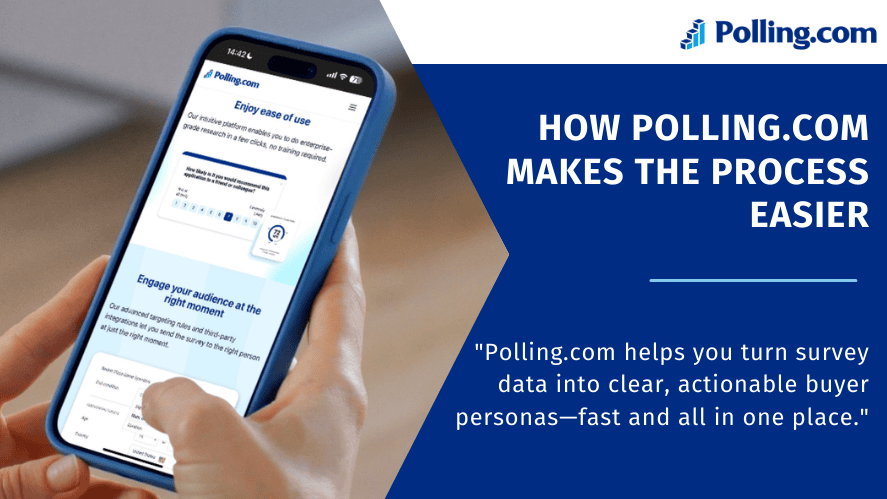
Polling.com delivers a reliable, flexible solution tailored for enterprise-scale needs. It combines robust architecture with an easy-to-use interface and built-in automation.
Fast Deployment at Scale
Organizations can launch branded, role-specific surveys across departments and regions quickly timelines typically depend on integrations, data setup, and rollout size. With SSO, user provisioning, and multilingual support, teams can get started securely without heavy operational overhead.
Unified Insights Across Teams
Polling.com offers dashboards that bring together employee, customer, and market research data. This gives leaders a clearer view of engagement and sentiment across the organization.
Built-In Security and Compliance
The platform includes enterprise-grade security features such as encryption, audit trails, and IAM support. It’s designed to support GDPR, CCPA, and internal data governance policies.
Seamless Integrations and Automation
Polling.com connects to tools like Salesforce, Zendesk, Workday, and more. Admins can automate tasks such as alerts, follow-ups, and syncing survey results into reporting workflows so the right teams see feedback quickly.
Enterprise Survey Platform Pricing — What to Expect
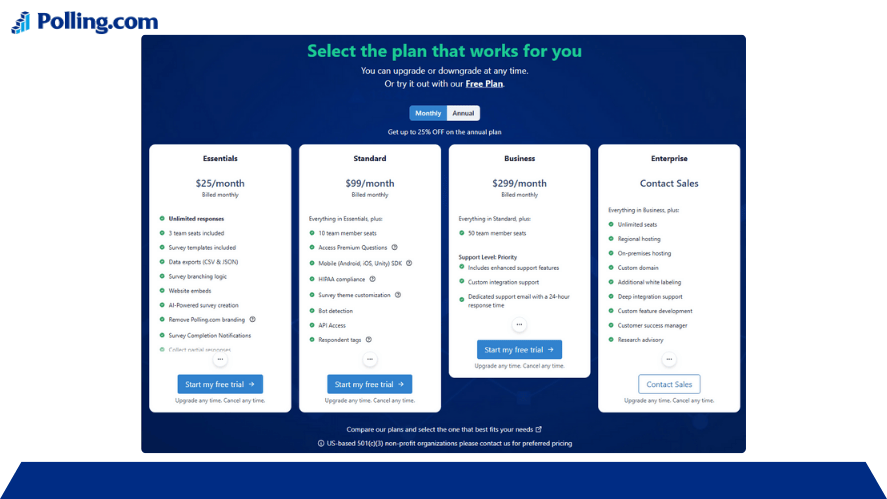
Pricing varies based on features, volume, and support level. Here’s what to consider.
Common Pricing Models
Most enterprise platforms use one or a mix of the following:
- Per admin or creator license
- Annual response volume
- Tiered access to features
Polling.com offers flexible options based on organizational needs and growth plans.
What Affects Total Cost
Key cost factors include:
- Required integrations
- Level of automation
- Support and onboarding requirements
While enterprise platforms cost more than basic tools, the ROI often shows up in time saved, improved retention outcomes, and faster insights that teams can act on.
FAQs
What qualifies a tool as an enterprise survey platform? It’s a platform built for scale, security, and flexibility. It supports large teams, integrates with other systems, and handles advanced reporting and governance needs.
Can small teams use enterprise platforms? Yes. Smaller teams can benefit from enterprise features, especially if they need integrations, stronger analytics, or expect to scale. Many vendors offer tiered plans.
How long does it take to get started? Setup often takes 1 to 2 weeks, depending on integrations, data migration, and internal alignment. Vendors may offer guided onboarding to speed up implementation.
Do all enterprise platforms include analytics? Most do, but the depth varies. Some include real-time dashboards and role-specific reporting, while others rely more heavily on external BI tools for deeper analysis.
What if we already use HR or CRM tools? Prioritize platforms with strong integration support. This allows survey data to sync with your HRIS, CRM, or support tools automatically so feedback can trigger action.
Conclusion
An effective enterprise survey platform helps organizations collect meaningful feedback, act faster, and improve decision-making across teams. From employee engagement to customer satisfaction and product development, these tools support growth through better data.
Polling.com combines enterprise-grade reliability with simplicity, making it easier for teams to listen and respond at scale.
Ready to improve how your organization gathers and uses feedback? Request a demo to get a walkthrough, see sample dashboards, and map the right workflows for your use case.