

Best Zapier Integrations to Automate Your Workflow in 2026

If you’re looking to save time, cut repetitive tasks, and bring more consistency to your work, you’re probably already thinking about automation. In this post, we explore the Best Zapier Integrations that help businesses save time, boost productivity, and build better engagement including powerful polling workflows that can supercharge your operations in 2026.
Zapier has become one of the most trusted tools for workflow automation, allowing users to connect over 6,000 apps without writing a single line of code. Whether you want to sync data between systems or trigger personalized actions based on customer activity, Zapier has you covered.
One of the smartest ways to use Zapier today is by integrating it with survey platforms to unlock real-time feedback, create Feedback loop automation, and drive faster decisions. Let’s explore how it works and what to look for before building your own automated workflows.
What to Look for in the Best Zapier Integrations

Before jumping into the list, it’s important to know what separates good integrations from great ones. The Best Zapier Integrations do more than just connect two apps they improve how you work.
1. Ease of Setup
Great integrations should be simple to configure, even for non-technical users. A good Zap starts with a clear trigger, followed by an action that flows logically. You should be able to map fields without needing a developer.
2. Automation Impact
The best Zaps save you time by eliminating repetitive work. Ask yourself: does this integration reduce manual effort, or is it just a shortcut? Effective Zaps are the ones that noticeably improve your day-to-day operations.
3. Cross-App Data Flow
High-quality zapier integrations move data smoothly between systems. For example, collecting survey responses and sending them to your CRM or spreadsheet instantly. This kind of survey automation allows you to make faster decisions based on real-time input.
4. Support and Reliability
Zapier integrations should be backed by reliable platforms that rarely break. If your integration stops working, your workflow breaks too. Look for tools that are well-supported by both Zapier and the app developers.
5. Scalability and Team Usage
You’re not just automating for today. The best integrations scale with your team, allowing multiple users or departments to benefit from the automation. Especially for enterprise users, you want something that grows with your needs.
Best Zapier Integrations You Should Be Using
Here are 15 of the Best Zapier Integrations you can start using today to automate your workflow in 2026. Each one solves a different problem from managing polls to syncing with your CRM or keeping your team informed.
1. Google Sheets
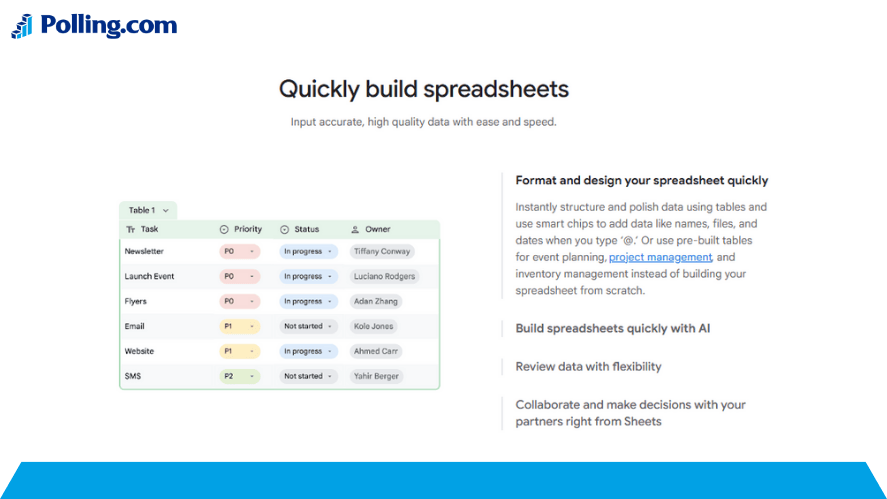
Google Sheets is one of the most versatile tools for automation. You can use it to collect data, create dashboards, and track survey results in real time.
Use Cases:
- Sync poll results directly into Sheets for daily or weekly analysis
- Build live dashboards that reflect survey responses or campaign feedback
- Trigger alerts in Slack or email when certain numbers hit a threshold
It also works well for How to sync survey data to CRM since you can use it as a middle layer between your survey app and CRM tool.
2. Gmail
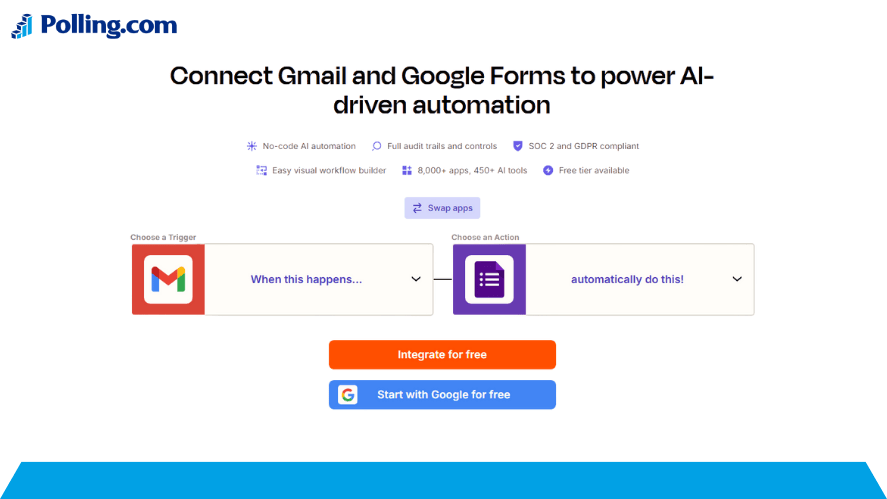
With Gmail, you can trigger automated emails based on form responses, events, or even survey outcomes.
Use Cases:
- Send a personalized thank-you message after someone completes a survey
- Email follow-ups based on NPS score or customer feedback
- Trigger invitations to fill out a new poll based on user actions
This integration is great for improving Feedback loop automation and keeping communication timely.
3. Slack
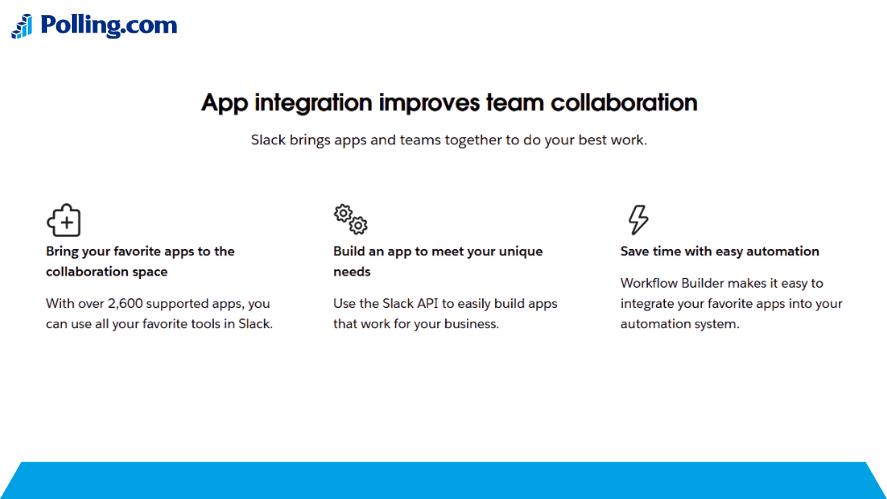
Need to keep your team updated in real time? Zapier makes it easy to send automated messages into Slack whenever something important happens.
Use Cases:
- Notify a channel when a poll is completed or feedback is submitted
- Share daily or weekly summaries from Google Sheets
- Set up automated alerts for campaign milestones
Many users want to Connect surveys to Slack/Teams and this is the easiest way to do it, especially with tools like Polly.
4. Google Calendar
Keeping your schedule organized is key, especially when surveys or interviews are part of your workflow.
Use Cases:
- Add a calendar event automatically when someone schedules a survey call
- Trigger reminder emails based on upcoming survey deadlines
- Align team schedules with recurring polling cycles
Google Calendar Zaps ensure that your team is always in sync.
5. Trello
Trello is excellent for visual task management. With Zapier, you can turn survey responses into actionable cards.
Use Cases:
- Create a new card when negative feedback is submitted
- Assign tasks based on poll results (e.g. follow-up needed)
- Use survey inputs to trigger process checklists
Trello is perfect for teams focused on process improvement and tracking.
6. HubSpot
When it comes to syncing survey data with your CRM, HubSpot stands out.
Use Cases:
- Send survey responses directly into contact records
- Trigger drip campaigns based on survey responses
- Qualify leads using feedback or poll results
This integration is highly recommended for anyone trying to Automate customer feedback loops inside a CRM.
7. Mailchimp
Mailchimp helps you send the right message to the right person at the right time. By connecting it with survey tools, you can build smart email automations.
Use Cases:
- Add people who complete a poll into specific Mailchimp lists
- Send follow-up surveys to those who didn’t open a campaign
- Nurture users with content based on their poll answers
It’s a great way to segment audiences and drive engagement automatically.
8. Typeform
Typeform is a beautiful survey tool that connects easily to other apps via Zapier.
Use Cases:
- Route Typeform responses to Sheets, CRMs, or Slack
- Set up conditional Zaps based on user input
- Combine with AI tools for ai survey integration
Typeform is one of the Best survey tools for Zapier, especially for teams that care about user experience.
9. Slack Polls (via Polly)
Polly is a tool built specifically for creating polls inside Slack. When combined with Zapier, you can go beyond simple responses.
Use Cases:
- Log poll results into a Google Sheet automatically
- Create tasks in Asana or Trello based on poll feedback
- Use Polly for fast employee survey platform or team sentiment tracking
This is especially helpful for internal engagement.
10. Notion
Notion is growing fast as a central workspace. With Zapier, you can feed structured data into your Notion pages or dashboards.
Use Cases:
- Log every form or poll response into a database
- Automatically update meeting notes with survey results
- Create internal documentation for survey platforms in Notion
If you’re building internal systems, this is a powerful integration.
11. Asana
Asana is perfect for teams managing tasks, projects, or entire workflows. It pairs well with survey tools, especially when used to assign next steps based on real-time feedback.
Use Cases:
- Create tasks when negative or urgent survey responses are received
- Automatically set due dates for follow-up items after customer feedback
- Use polling data to assign issues to the correct department
Asana is ideal for teams focused on process improvement through actionable insights.
12. Polling.com
If you’re serious about surveys and polling, Polling.com offers a robust suite of features that truly shine when connected with Zapier.
Use Cases:
- Collect data from Polling.com and send it straight into Google Sheets or CRMs
- Create alerts for low satisfaction scores or missed feedback
- Automatically route results to Slack or Trello for action
This platform helps unlock the full potential of Survey integrations by combining advanced logic with seamless data flows. For businesses needing a powerful survey platform that integrates smoothly with automation tools, this option stands out.
13. Shopify
For ecommerce brands, integrating Shopify with Zapier opens up a whole new layer of insight and customer engagement.
Use Cases:
- Trigger surveys after specific customer actions, like purchase or cart abandonment
- Add survey responses to customer profiles
- Send feedback into analytics dashboards
This is a smart way to automate customer feedback loops and improve retention based on real opinions.
14. Salesforce
Salesforce remains one of the most powerful CRMs available, and with Zapier, you can send structured data directly into your Salesforce environment.
Use Cases:
- Create or update leads from survey results
- Track satisfaction scores within contact records
- Build automated journeys based on poll feedback
Whether you’re managing B2B or B2C pipelines, this connection supports smarter decision-making and personalized outreach.
15. Calendly
Calendly simplifies scheduling, but when combined with Zapier, it also becomes a trigger point for gathering valuable feedback.
Use Cases:
- Send pre-meeting surveys automatically after a booking
- Follow up with post-meeting feedback forms
- Log responses in your CRM or project tools for future reference
Calendly paired with survey tools turns meetings into moments for insight, improving your operations and client relationships.
How to Set Up a Zap — Quick Guide
Now that we’ve looked at the Best Zapier Integrations, let’s quickly go through how to set up a Zap from scratch. Even if you’ve never created one before, this step-by-step guide will help you launch your first workflow in minutes.
Step 1: Choose a Trigger App
Start by selecting the app that will kick off your automation. This is the event that tells Zapier to begin.
For example:
- “New response in Typeform”
- “New row in Google Sheets”
- “New event scheduled in Calendly”
Step 2: Choose an Action App
Now select the app that will carry out the response. This is what happens after your trigger is detected.
Examples:
- Send an email through Gmail
- Create a task in Trello
- Log data into Google Sheets
Step 3: Map the Fields
Zapier will ask you to match the trigger data with the correct fields in the action app. This is where you make sure names, emails, or poll scores land in the right place.
Step 4: Test Your Zap
Before going live, run a test. Zapier will simulate the trigger and action to make sure it works properly. If something’s off, you’ll get feedback right away.
Step 5: Turn Your Zap On
Once you’re satisfied, turn on the Zap. From here, it runs in the background automatically, saving you time every time the trigger happens.
Tips for Troubleshooting
- Always double-check permissions for both connected apps
- If data isn’t flowing, revisit your mapped fields
- Use the Zapier task history log to see what’s working and what’s not
- Don’t forget to test again if you change the form or poll structure
Creative Workflow Ideas Using Zapier
By combining multiple apps, you can build smart workflows that go far beyond basic automation. Here are a few creative ideas to get started.
Poll → Google Sheets → Slack Summary (Every Friday)
Want to keep your team updated on feedback trends?
- Start with a poll tool like Typeform or Polling.com
- Send new responses into Google Sheets
- Every Friday, trigger a Slack message with a summary of the week’s results
This helps your team stay aligned without digging through dashboards.
Polling Data → CRM Lead Scoring
Improve lead quality by using poll responses to add context.
- Collect customer answers via a pre-sales survey
- Based on their responses, assign a lead score in HubSpot or Salesforce
- Automatically move high-potential leads to a follow-up stage
This setup combines Survey integrations and Workflow automation to support your sales pipeline.
Survey Feedback → Auto-tag Unhappy Customers
Respond faster to negative experiences using automated tagging.
- When a customer selects a low score or negative feedback
- Zapier creates a task in Asana or Trello
- Also tags them in your CRM or support tool for follow-up
You’ll be able to close the loop on issues before they escalate.
FAQs About Zapier Integrations
A good integration is one that saves time, reduces errors, and supports your goals. The Best Zapier Integrations often connect systems that don’t normally talk to each other, helping you eliminate manual work and improve decision-making.
Many integrations are free, especially if you’re using Zapier’s free plan and sticking to single-step Zaps. However, multi-step Zaps and premium app connections may require a paid plan.
Not directly. Zapier doesn’t build polls itself, but it connects with top survey platforms like Typeform, Google Forms, Polling.com, and others. These tools let you create surveys, while Zapier handles the data flow afterward.
That depends on your plan. Zapier offers different task limits depending on what tier you’re on. Free accounts start small, while enterprise plans can run hundreds of thousands of tasks per month.
Conclusion
Automation isn’t just about saving time it’s about unlocking smarter, faster ways to work. The Best Zapier Integrations in 2026 allow teams to build connected workflows that respond to real data, boost engagement, and eliminate manual steps.
From sending survey data to your CRM to auto-alerting your team in Slack, Zapier bridges the gap between tools and insights. Polling, in particular, has become a strategic piece of the puzzle. When combined with powerful platforms like Polling.com or Typeform, you gain instant access to the voice of your customers, employees, or leads.
So whether you’re a solo entrepreneur or managing a large enterprise, there’s never been a better time to explore zapier integrations and see what automation can do for you.
Start small. Try one workflow. Then scale from there.
Your future workflows are waiting.